A tale of installing RT18812AU driver and make it works in VirtualBox
Few days ago, I bought a USB Wi-Fi adapter to learn about pentesting. The goal was using this adapter to connect a virtual Kali Linux distribution in VirtualBox to Wi-Fi network through USB.
After some hesitations, I picked up a cheap enough model which uses a
RT18812AU chip. An important factor to choose this chip is that it is
dual-band. This was the first time I’m dealing with such material. Of course,
there was no such thing as plug-and-play. So I had to manually install the
driver.
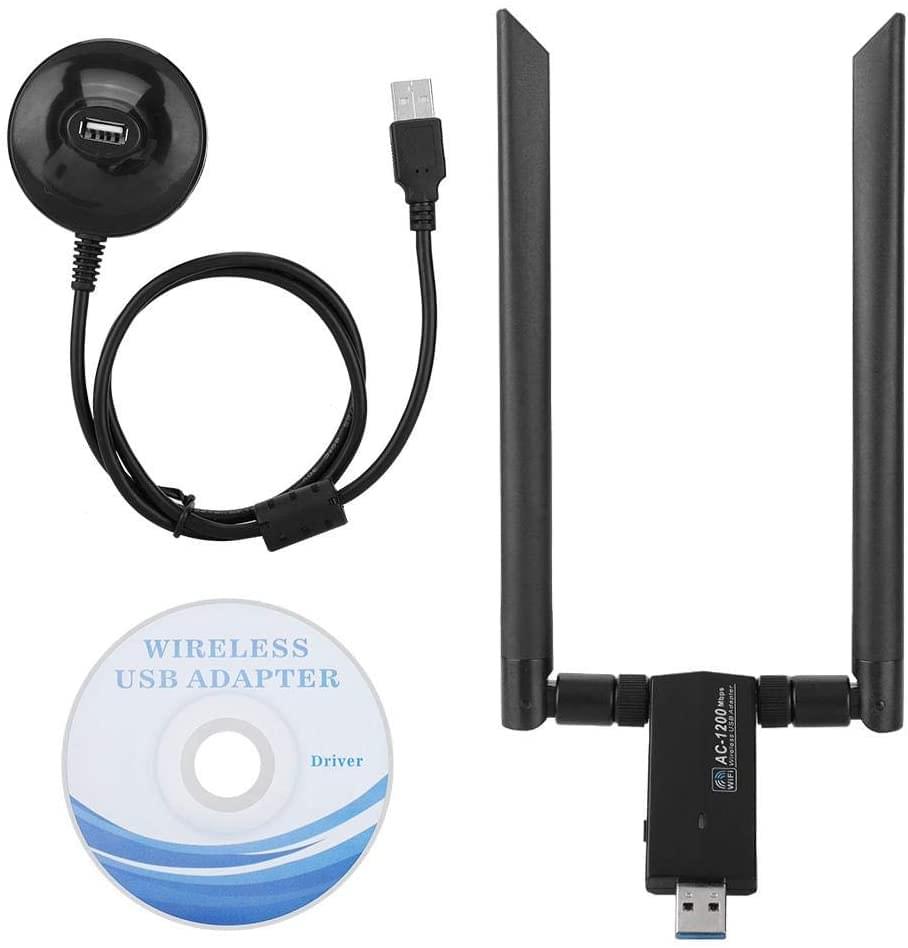
The adapter comes with a “quick installation guide” written in gibberish
English.1
It starts with a typo: “Chater 1: driver installation”.
So, not very promising. I decided to insert directly the provided
CD and see if I can do something. There were three directories for respectively
OSX, Windows and Linux. I extracted the Linux directory and ran the install.sh
without too much hesitation. It failed. No worry, such thing happens, I read the
install.sh, again gibberish English comments2
”Novembor”; “Drvfoulder” for driver folder.
… I went to the driver directory (rtl88x2BU_WiFi_linux_v5.3.1_27678.20180430_COEX20180427-5959) to
see if I can do something and got the marvelous idea to feed the driver name to
Google to see if I can get an up-to-date version. I found one,
1git clone https://github.com/morrownr/88x2bu.git
and followed the instructions. It compiles! The bad news is the plugged adapter doesn’t have any sign of life. Weird! After all kinds of attempts and reboots, I naively ran a new command
1lsusb
which reveals that the chip was actually a RT18812AU. I double-checked the
chip model and realized that it’s right, and thought I bought a BU but finally
picked a AU. So… why they ever put an outdate RT18812BU in the CD?
Mystery. Again, I searched a driver for this chip, and found this one:
1git clone https://github.com/gnab/rtl8812au
… followed the instructions, and bingo! The adapter LED started blinking. I
expected that it would work painless in VirtualBox… was wrong. In the Kali
Linux USB settings, the button “add new USB filter” didn’t display my USB
devices, contrary to what I expected. After heavy surfing on the Internet, I
found this relevant thread. Ah, I wasn’t in vboxusers group:
1groups
So, I had to add it.
1sudo usermod -a -G vboxusers firmart
Logged out. Log back. And finally:
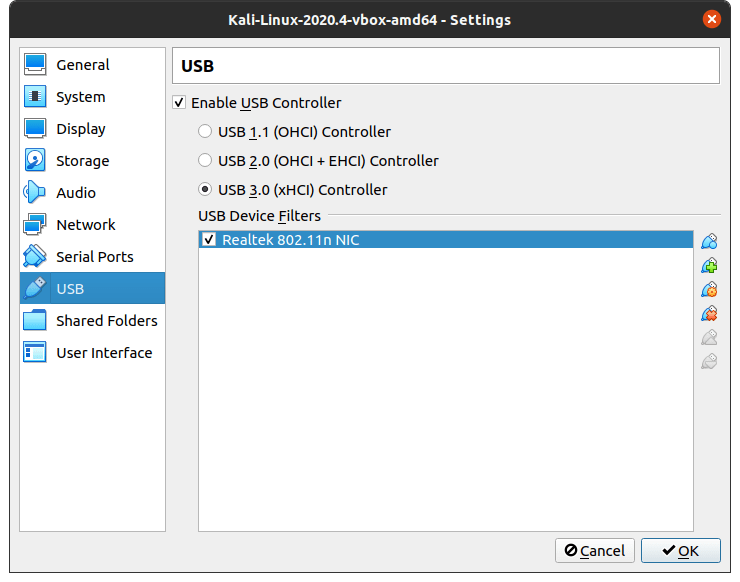
Ventre Saint-Antoine!, would say a medieval Frenchman.
Conclusion.
- If you are on Linux, do not even bother to insert the CD (and to read the “quick installation guide”).
- Search right away on Google
<chip> githuband you would find an enhanced driver with a useful README. lsusbis actually useful to make sure the USB device is there and to double-check the chip model.
This tale3
Dated of 2021-02-22.
would not be written without the help of ~/.zsh_history and my
browser history.